
Axe Auditor Efficient and customizable manual accessibility testing
Get guided manual testing, faster fixes, and full audit trails in one powerful solution.
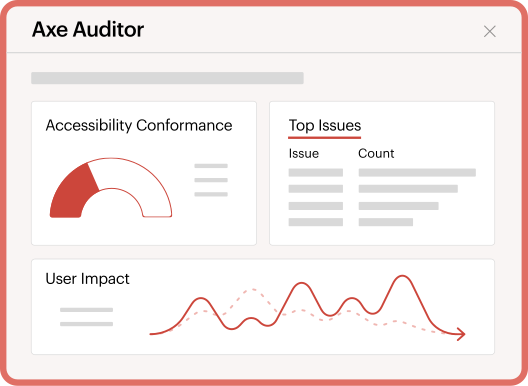
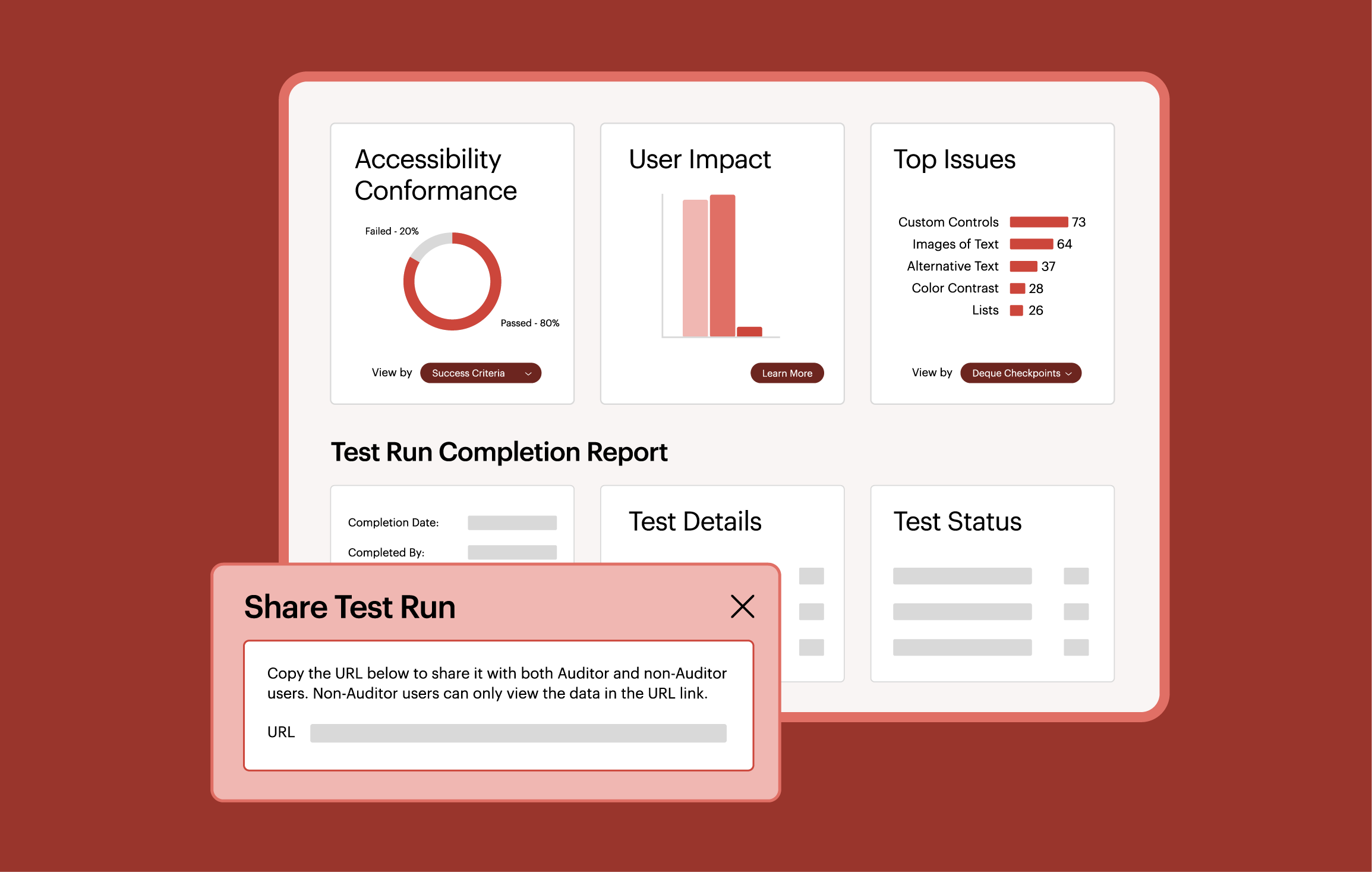
Optimize manual testing with clear guidance, actionable results, and full compliance records.

Seamless
Empower anyone to test and fix accessibility with guided steps that cut the cost and effort of audits.

Actionable
Get prioritized results, clear issue details, and remediation libraries so developers can fix problems fast.

Complete
Keep a full system of record with audit trails and tracking to confidently prove compliance and conformance.
Identify issues, implement fixes, and prove accessibility.

Fast, consistent testing
Enable teams of all accessibility experience levels with clear, repeatable methods. Get predictable results and faster remediation with consistent testing.
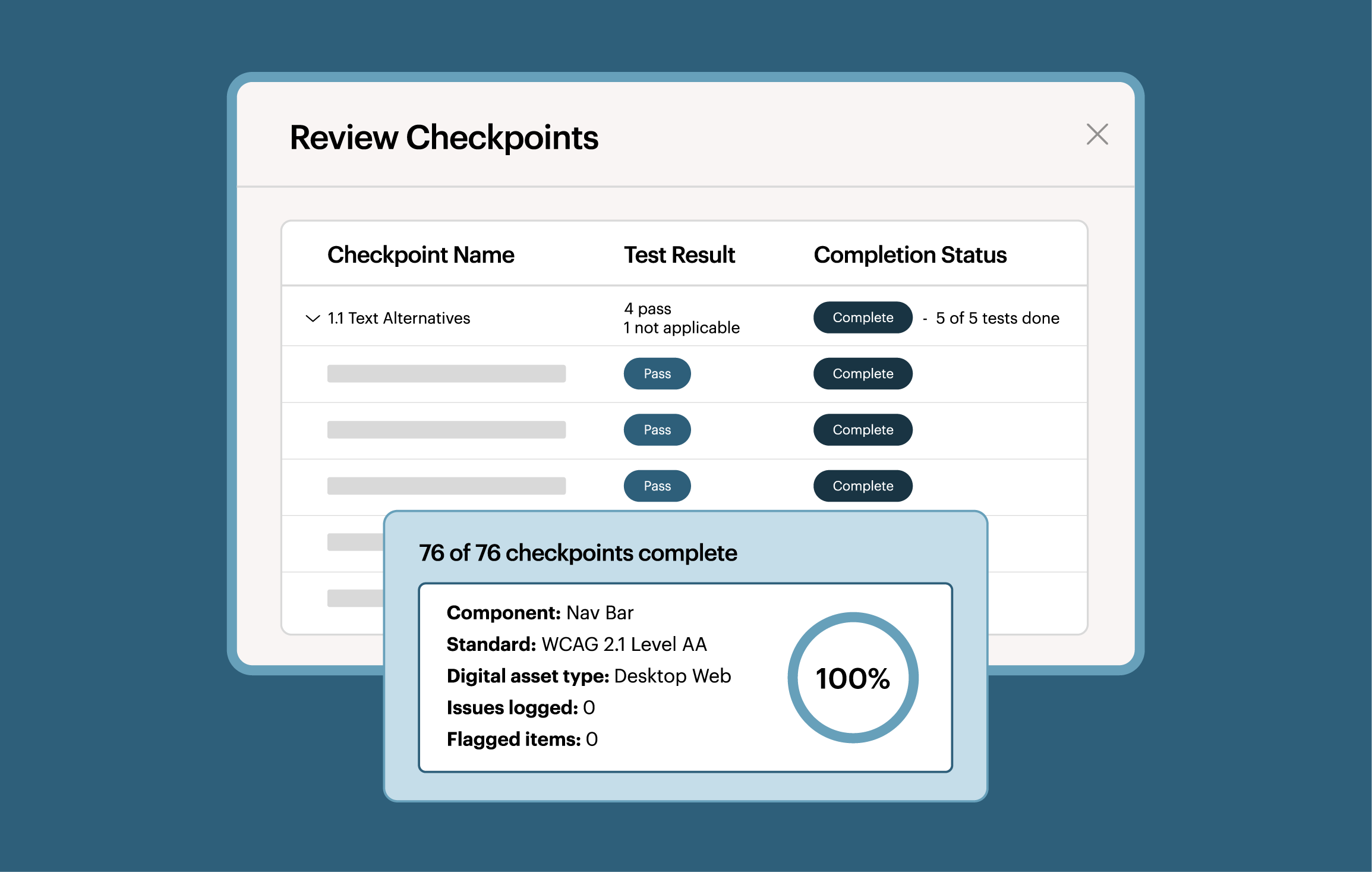

Expand coverage with manual testing
Get step-by-step guidance from Axe Auditor to quickly and easily uncover complex issues that automation alone can’t catch.
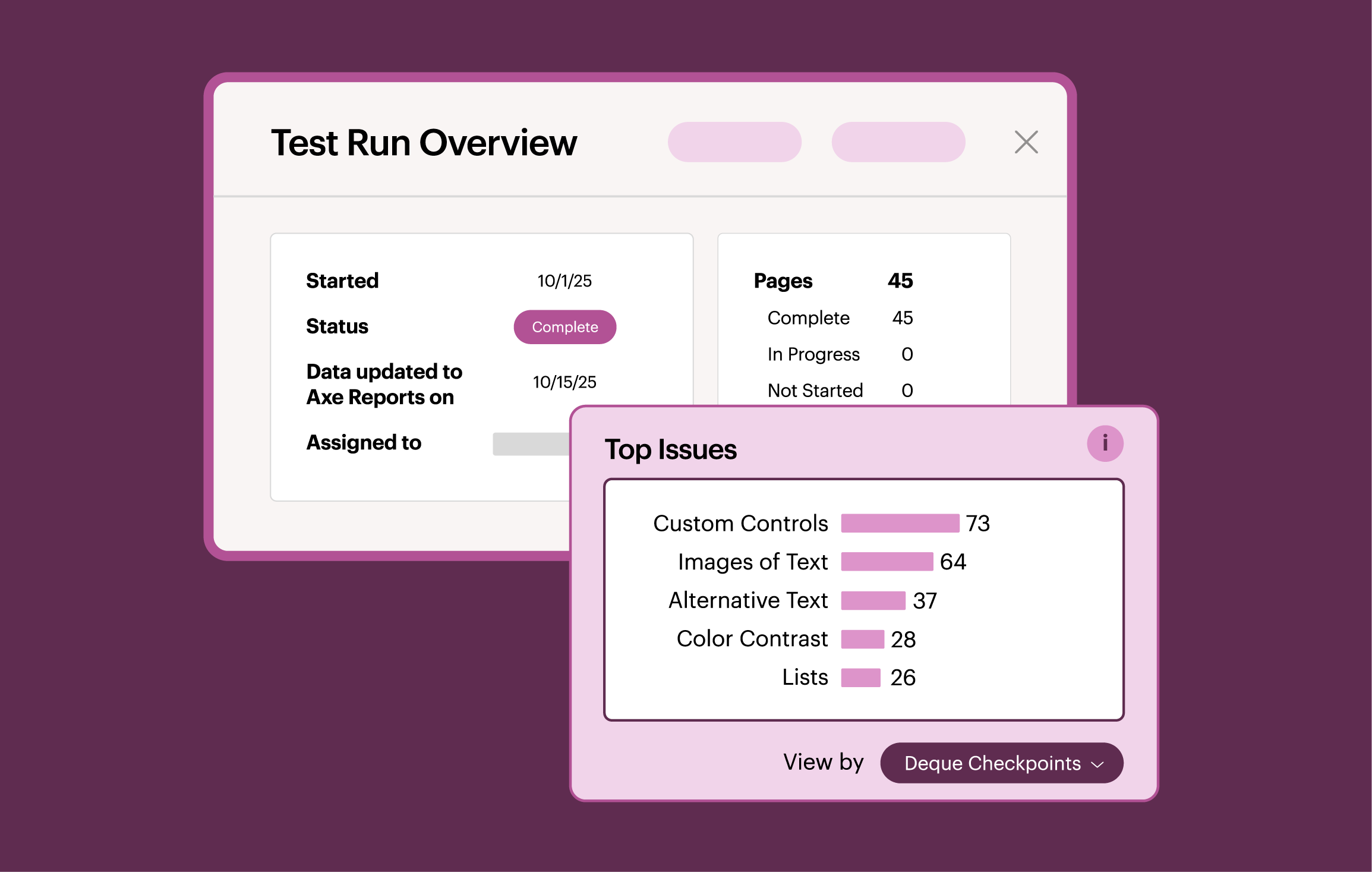

Back every audit with proof
Demonstrate to internal stakeholders, partners, and customers that your websites and digital content meet accessibility standards with Axe Auditor’s tailored reports and audit trails.
“The tools that Deque provided really enable us to do the work ourselves. I was surprised to see how useful the audit report was and how easy it was to use.”
Shannon Landin, CEO, Codecraft Works
“For years, we’ve talked about the promise of ‘shifting left’—finding and fixing accessibility issues earlier in the process. With technologies like this, real change happens.”
Bob Andreasen, Executive Director Quality Assurance, Harland Clarke
Achieve long-term compliance with Axe Auditor
Additional resources
Harland Clarke: Confidence in eCommerce Site Accessibility Compliance
Discover how Harland Clarke scales accessibility and fixes issues faster across dozens of websites.

Axe DevTools
Achieve comprehensive digital accessibility testing with Axe Auditor and Axe DevTools.
I’ve received the results of my accessibility audit. Now what?
Learn how to turn your accessibility audit results into real progress.
Frequently asked questions
Who is Axe Auditor for?
Axe Auditor is designed for accessibility practitioners of all experience levels working at agencies, companies, and consulting firms. Testers with little prior expertise can learn as they go, while experts can focus on more complex issues, oversee organizational testing, and deliver clear reports to leadership.
How do automated and manual testing go together?
Automated and manual digital accessibility testing can be used together to test quickly, accurately, and comprehensively. Automated testing is an excellent approach for rapidly identifying a high volume of accessibility issues (up to 80% with Deque tools such as Axe DevTools for Web and the Axe DevTools browser extension). You can then complement this process with manual testing, using a tool like Axe Auditor to find and fix issues that are more complex or that might require more expertise to address.
Can I test native mobile applications with Axe Auditor?
Yes, you can test native mobile applications with Axe Auditor, as well as HTML pages, desktop applications, Microsoft documents, and PDFs.
How do you conduct manual accessibility tests?
Manual testing means going through your site or application like a real user with a disability would. This requires using assistive technologies like screen readers, keyboard-only navigation, and zooming to make sure your site is accessible to everyone.
Doesn’t manual testing take a long time?
All manual testing takes time, but test time decreases significantly with experience. Also, with Axe DevTools integration, manual testing requirements can be significantly reduced.
