Category: A11y for developers
Browse our collection of helpful resources to aide in your accessible development efforts, without impacting your development velocity.
Find Label in Name issues in every scan with Axe-core 4.14.0

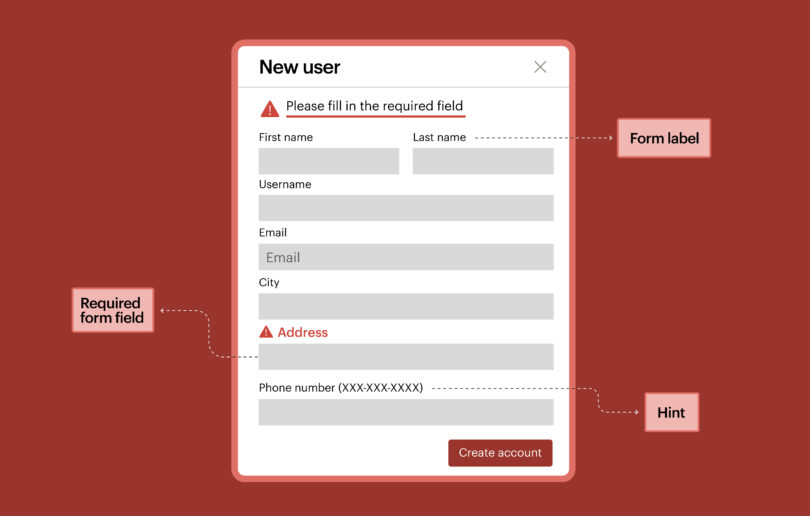
With our latest update, when you scan with Axe-core 4.14.0, you’ll now get a result for any control whose accessible name doesn't contain its visible label. This Axe-core release also speeds up scans, makes fix instructions clearer, and begins support for EN 301 549 v4.1.1, the pending update to the European Union’s (EU) harmonized standard for accessibility requirements.
Read Article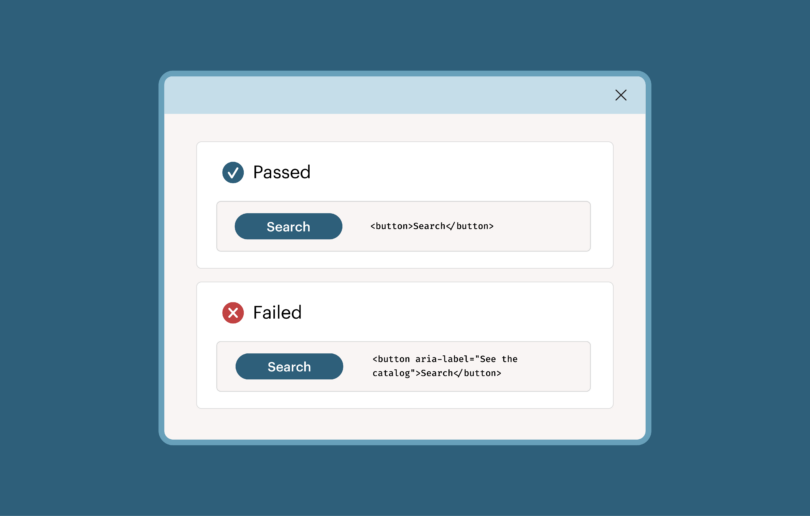
Debunking AI agent accessibility claims and solving AI alignment for accessibility

There is a digital accessibility approach that gives us the best of both worlds: the reliability and predictability of rules-based testing and the velocity of AI-powered automation. By taking this approach, we can close the gap between presumed and actual accessibility.
Read Article
How to test MCP Apps for accessibility, and why it matters

MCP Apps are still new enough that whatever approaches we can establish now will be the ones that stick over the long term. Which means if we can get accessibility right at this stage, it will stay right as the ecosystem grows. This is how we can avoid introducing the same problems we've had to deal with across the rest of the web for so long.
Read Article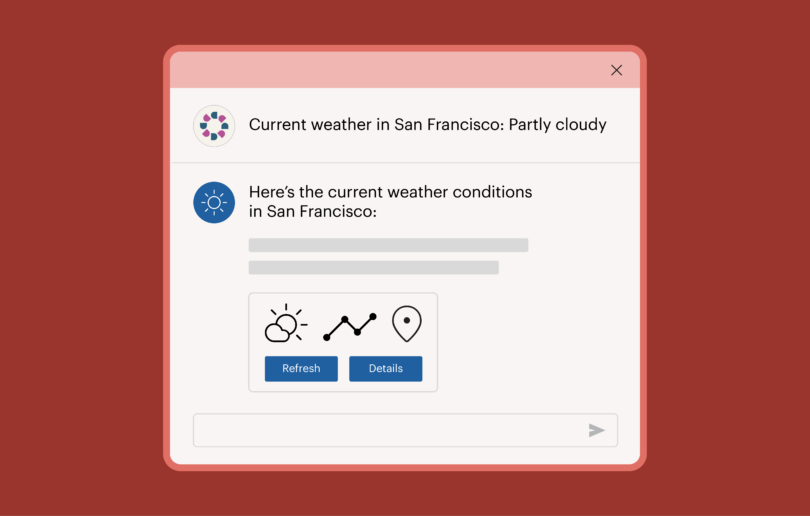
Intelligent automation and the new era of guided testing
Automated IGTs run through the Axe MCP Server, which puts them inside the environment where code is being written, so a developer can run a guided test and get remediation guidance without leaving their editor.
Read Article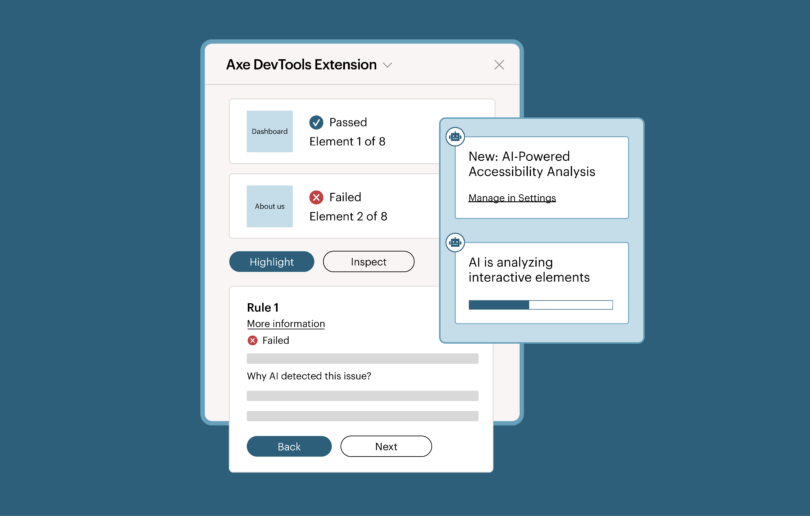
Test your custom elements and trust the results with Axe-core’s support for ElementInternals
If you're a large enterprise organization with accessibility issues resulting from interoperability challenges, moving to ElementInternals is a savvy move. You can standardize, and safely test. And, with Axe-core now supporting ElementInternals, you can test those components and trust the results.
Read Article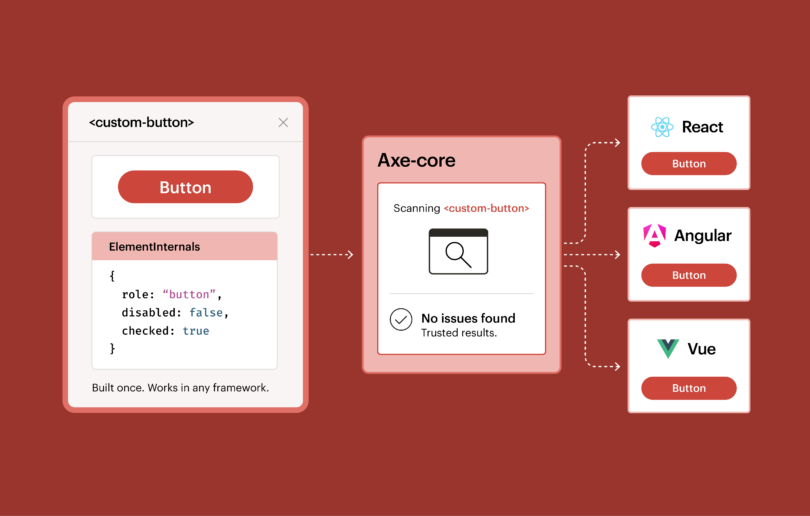
The anatomy of accessible forms: Required form fields

Creating accessible forms ensures your forms are accessible to all users while meeting standards like ADA, WCAG, and EAA compliance.
Read Article